Lock in. Actually.
Block the apps that break your focus. Then hand the keys to a friend, so quitting early means facing someone.
Coming soon to iOS. Solo blocking is free, with no time limit.
Stage 1. Pick your apps
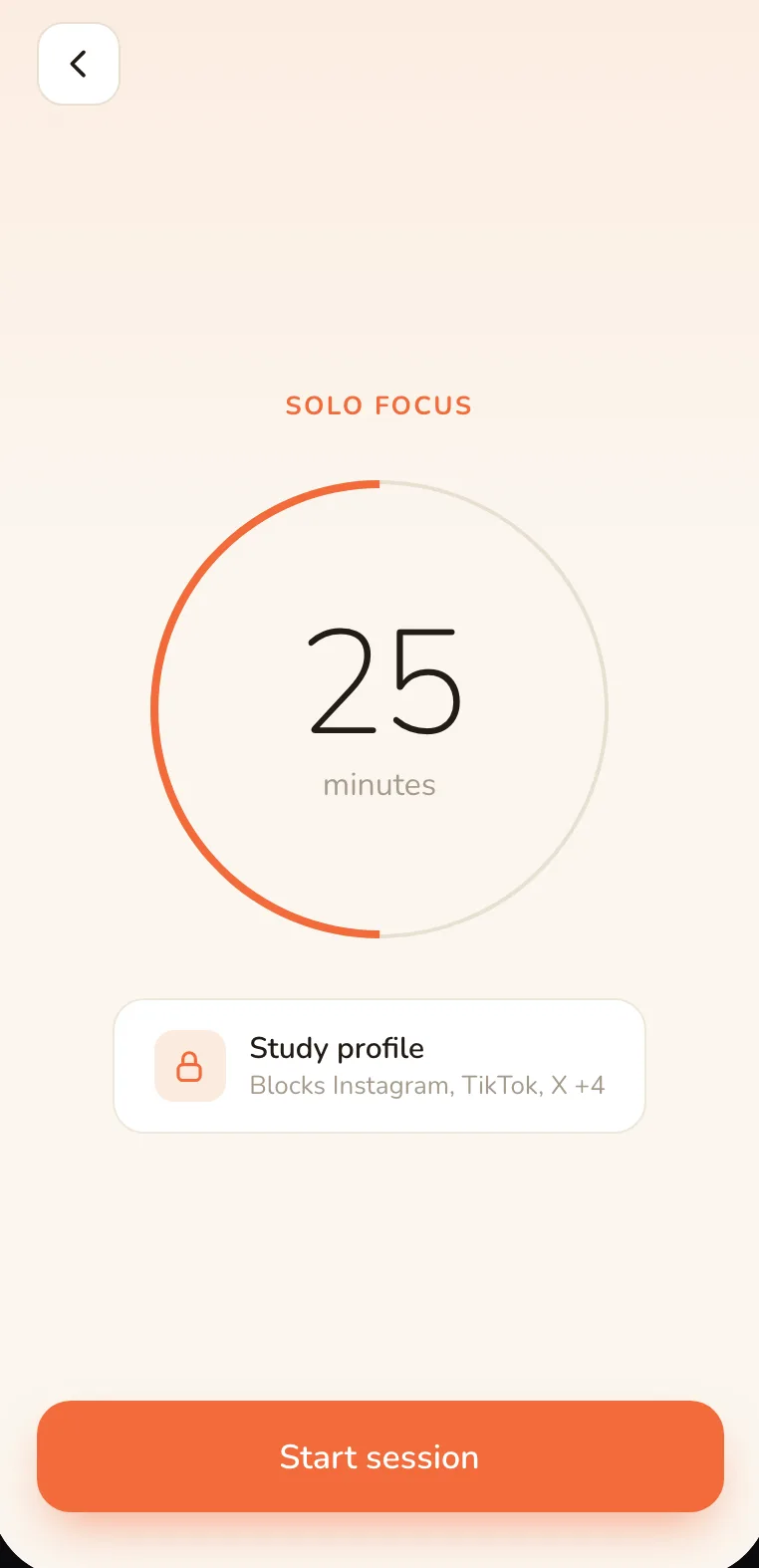
Stage 2. Set a timer
Blocking is enforced by Apple’s Screen Time (Family Controls), which asks for your permission the first time you set it up. LockIn can’t block anything on your phone without you granting that.
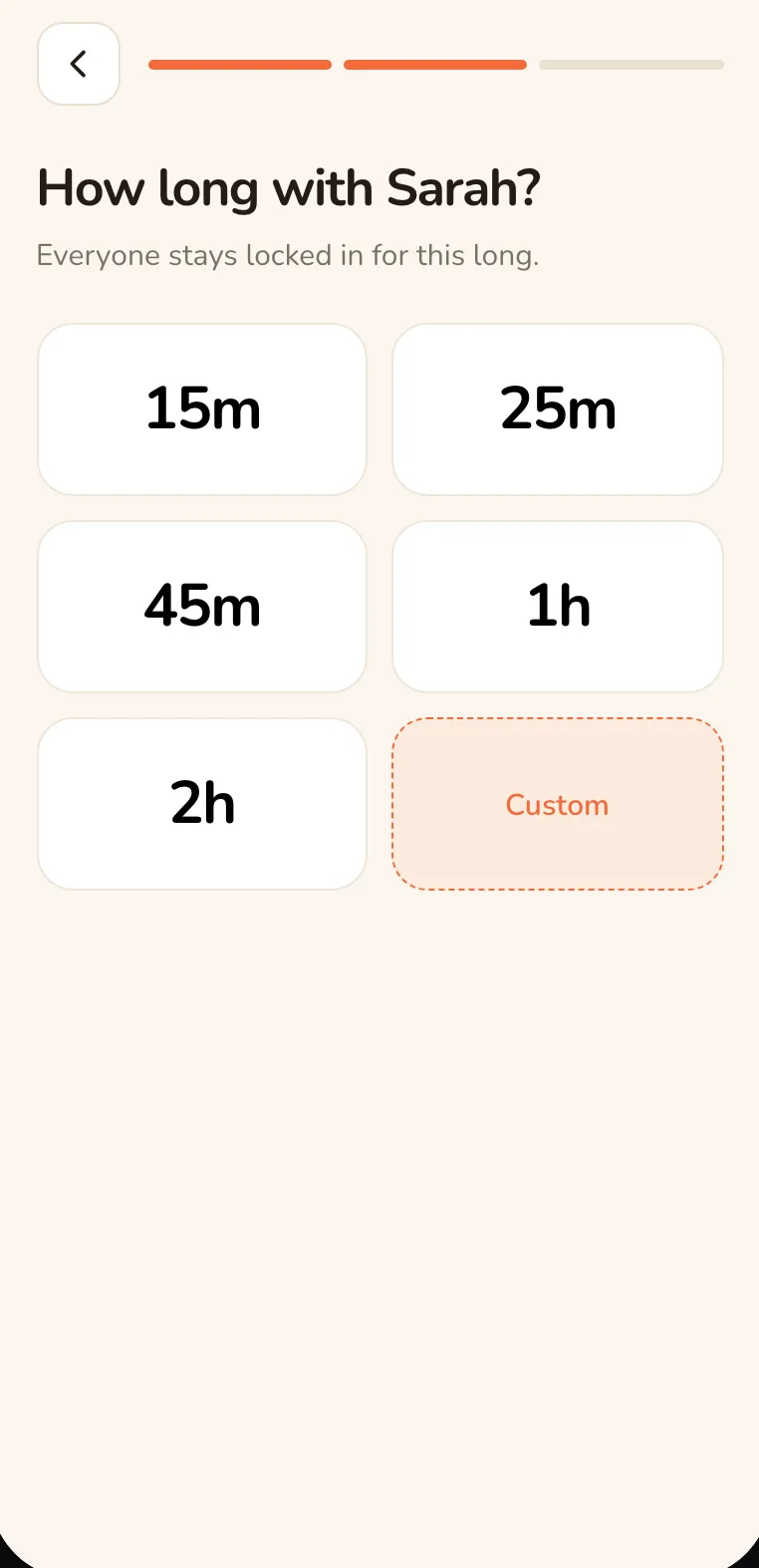
Stage 3. They stay blocked until it ends
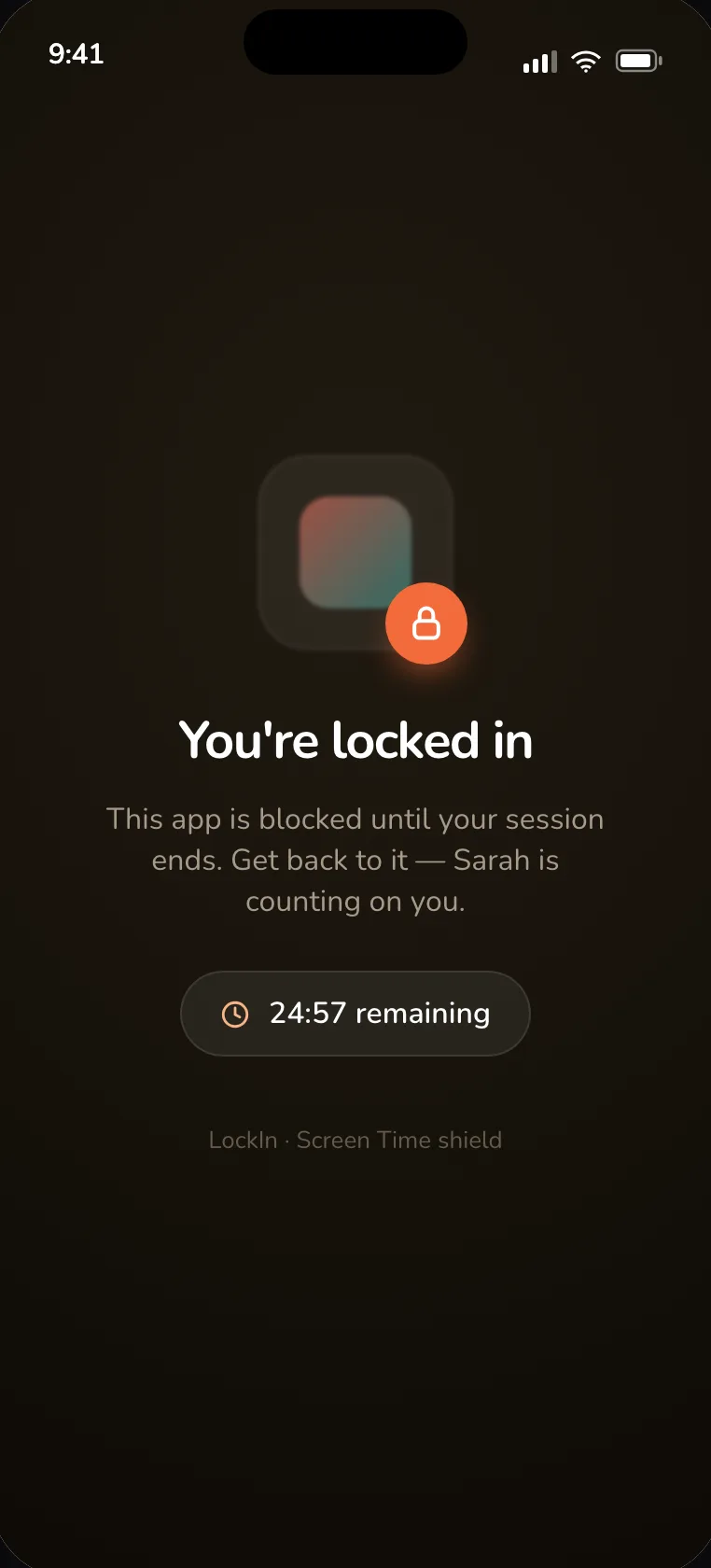
Stage 4. The keys don’t have to stay with you
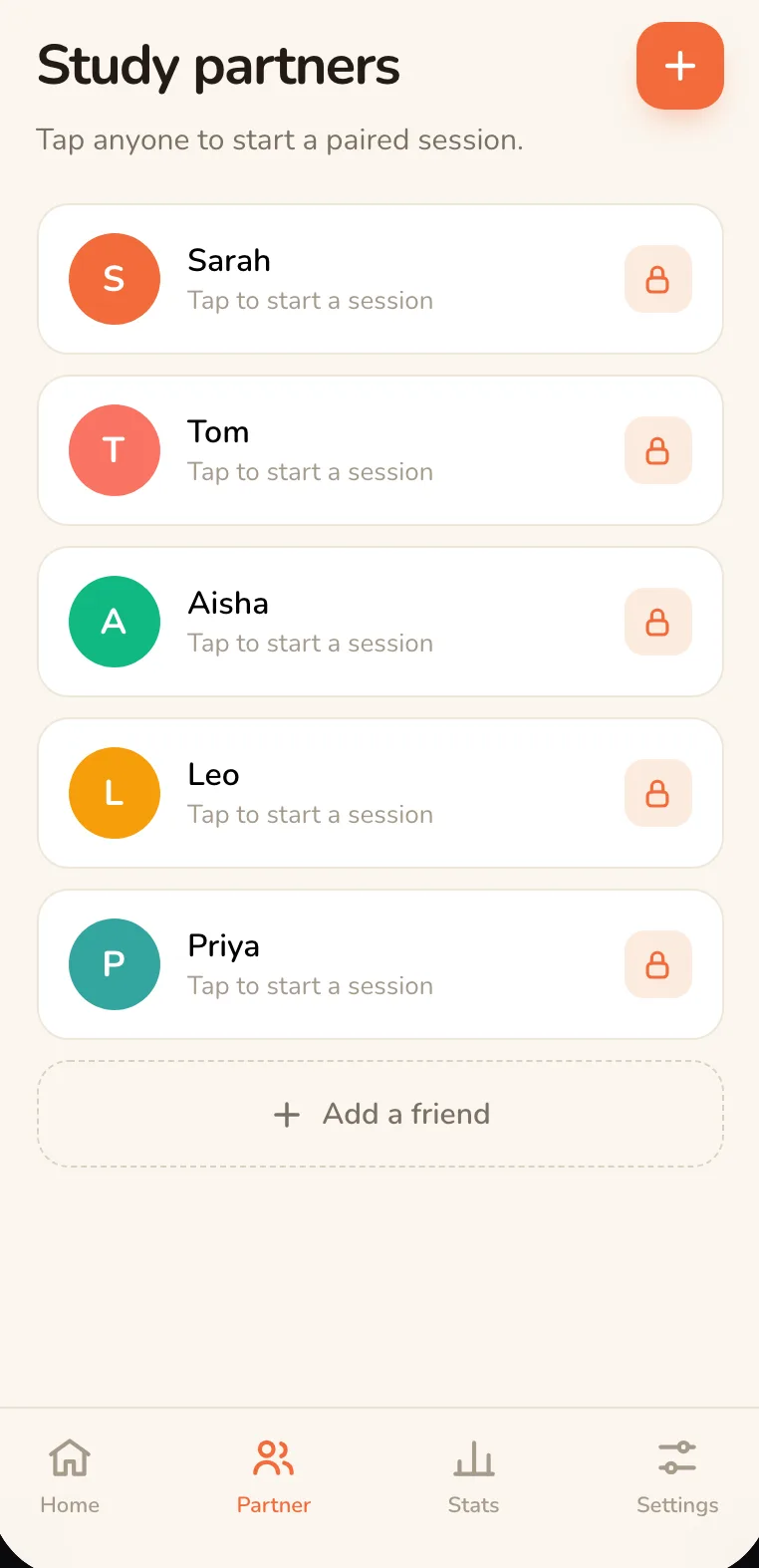
Pair up with one friend, or start a group session with a few. Once you accept an invite, anyone in that session can lock your phone remotely, so if you try to bail early, someone notices.
One rule that never bends: consent.
A friend can never lock your phone without you accepting first. You get the request, you approve it, and only then can they lock you in — same for group sessions.
Solo blocking is free, no time limit. Friend and group sessions are £3.99/year.
You’re never trapped
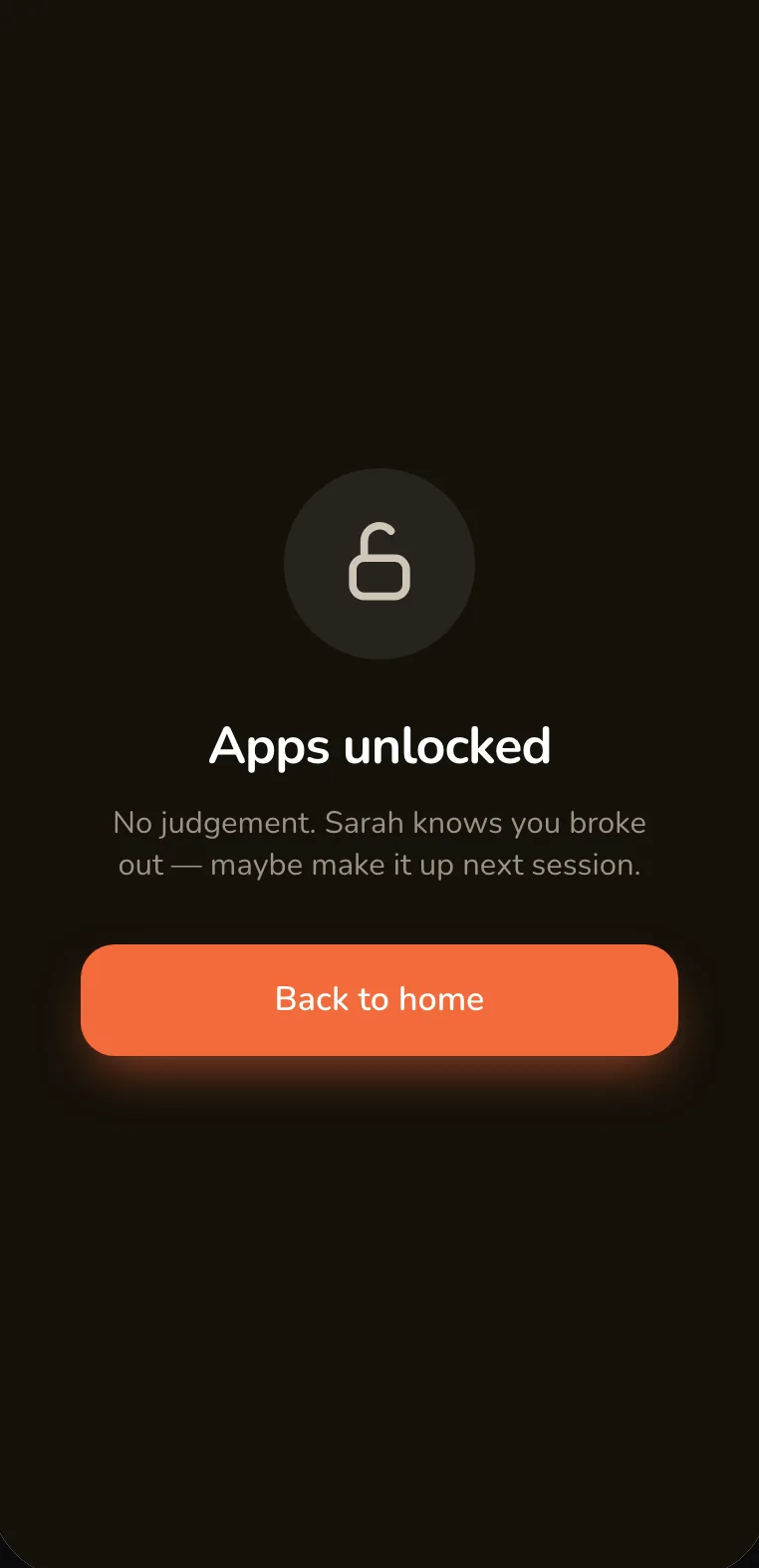
Change your mind mid-session? Hit the emergency override. Wait 30 seconds and your apps unlock — no negotiating, no code to beg someone for. Your partner gets notified that you overrode the session, so it stays honest, but the phone is always yours to reclaim.
Questions
Can LockIn see which apps I use?
No. Screen Time measurements are written by an Apple extension into a private container on your device and are never uploaded — not to us, not to your friends. The only thing that leaves your phone during a session is whether it started, ended, or was overridden.
What's free, and what costs money?
Solo blocking — picking apps, setting a timer, blocking them — is free with no time limit. Friend and group sessions, where someone else can lock your phone once you've accepted their invite, are £3.99/year.
Is LockIn on Android?
Not yet. LockIn's blocking is iPhone-only for now — it's built on Apple's Screen Time and Family Controls frameworks, which don't exist on other platforms. You can sign in to the dashboard on this website from any computer to start a session and see your stats, but your phone is what does the blocking.
Is there a minimum age to use LockIn?
Yes. You need to be at least 16 to use LockIn.